Ontario DriveTest Practice Routes (G & G2)
Explore turn-by-turn practice route maps for supported DriveTest locations across Ontario.
Supported Ontario Locations
Explore available Ontario road test practice routes, compare map details, and practise with turn-by-turn GPS navigation in your own car. Choose a supported location below.
Use your phone to navigate available Ontario G and G2 practice routes. Review route details, choose your location, and build familiarity with the surrounding roads.
Practise available routes around supported Ontario DriveTest locations in your own car. Get familiar with local intersections and turns before your road test.
Designed specifically for Ontario drivers preparing for G2 and G exit examinations.
Explore turn-by-turn practice route maps for supported DriveTest locations across Ontario.
Open available practice routes with GPS navigation on your phone. Each product lists its included map starts.
See the exact checklist examiners use to score your turns, parallel parking, lane changes, and highway merges.
Learn the most common automatic fails and instant point-deductions so you can avoid them completely.
Build muscle memory in the vehicle you are most comfortable driving, on your own schedule with family or friends - zero stress, zero extra rental fees.
Four simple steps from selecting your centre to mastering your test routes.
Select your Ontario DriveTest location (Brampton, Mississauga, Toronto, Oakville, etc.).
Click to open turn-by-turn navigation on your mobile GPS app.
Practice in your own car with a friend or family member on your time.
Download the 2026 examiner marking checklist and score yourself.
Don't go into your test blind. Know exactly how many points you can afford to lose and what gets marked as a major vs. minor error before sitting behind the wheel.
Checked every 5 to 7 seconds and before lane changes
Maintaining posted speed without trailing or speeding
Complete stops behind stop lines; yield rules
Matching flow of traffic smoothly on the on-ramp
Form 2026-G/G2-VERIFIED
Master these key requirements to eliminate deductions and avoid instant disqualification.
Examiners track your eye and head movement. Make mirror and blindspot checks obvious every time you signal, turn, or change lanes.
Rolling through a stop sign is an automatic fail. Feel your car settle back completely behind the line for 2 full seconds before moving forward.
Residential streets are typically 40 or 50 km/h unless posted. School zones drop to 30 or 40 km/h - know these exact spots on your route!
Accelerate to 100 km/h on the ramp before merging onto expressways like the 401, 403, or QEW to avoid dangerous speed gaps.
Spend 15 minutes practicing parallel parking, three-point turns, and reverse parking at your target test location prior to your test date.
Windsor, Ontario
What to Expect on Test Day The Ontario G2 road test lasts approximately 20 minutes, focuses on fundamental city driving and parking skills, and does not include highway driving. Examiners evaluate your performance based on vehicle control, situational awareness, speed management, and observation habits.
Woodstock, Ontario
What to Expect on Test Day The Ontario G2 road test lasts approximately 20 minutes, focuses on fundamental city driving and parking skills, and does not include highway driving. Examiners evaluate your performance based on vehicle control, situational awareness, speed management, and observation habits.
Ottawa Canotek, Ontario
What to Expect on Test Day The Ontario G2 road test lasts approximately 20 minutes, focuses on fundamental city driving and parking skills, and does not include highway driving. Examiners evaluate your performance based on vehicle control, situational awareness, speed management, and observation habits.
Oshawa, Ontario
Orillia, Ontario
The Ontario G2 road test lasts approximately 20 minutes, focuses on fundamental city driving and parking skills, and does not include highway driving. Examiners evaluate your performance based on vehicle control, situational awareness, speed management, and observation habits.
Orangeville, Ontario
Oakville, Ontario
The Ontario G2 road test lasts approximately 20 minutes, focuses on fundamental city driving and parking skills, and does not include highway driving. Examiners evaluate your performance based on vehicle control, situational awareness, speed management, and observation habits.
Newmarket, Ontario
The Ontario G2 road test lasts approximately 20 minutes, focuses on fundamental city driving and parking skills, and does not include highway driving. Examiners evaluate your performance based on vehicle control, situational awareness, speed management, and observation habits.
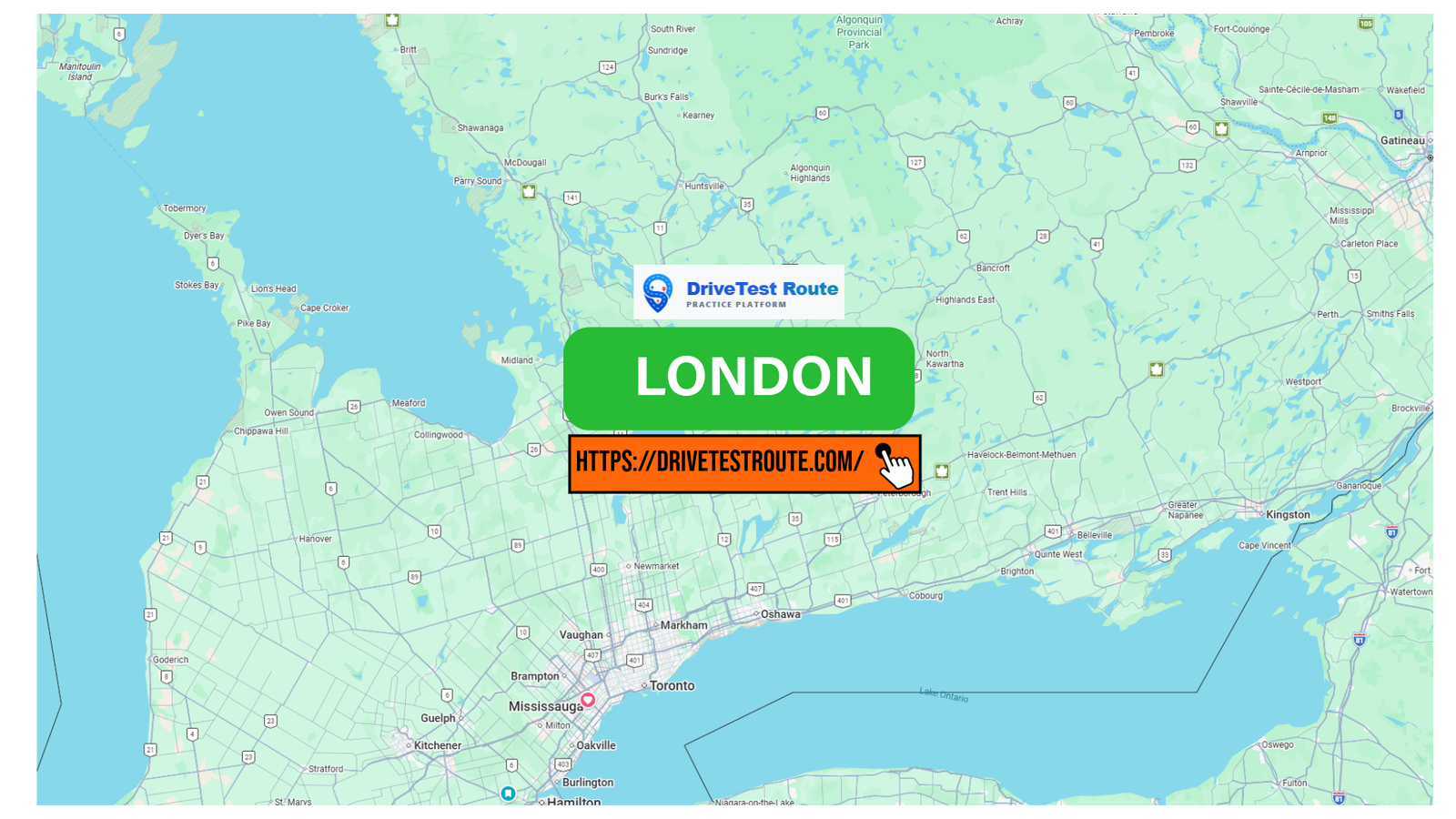
London, Ontario
The Ontario G2 road test lasts approximately 20 minutes, focuses on fundamental city driving and parking skills, and does not include highway driving. Examiners evaluate your performance based on vehicle control, situational awareness, speed management, and observation habits.
Select your DriveTest centre, load your 2026 G or G2 test route onto your phone, and start practicing today!
Everything you need to know about taking your test in your own car.
No! As long as your personal vehicle is in safe working order (functional lights, working seatbelts, horn, clear windshield, valid insurance, and license plates), you can take your test in your own car.
Our maps are practice aids for the locations listed in the route directory. Your examiner may use a different route, and traffic or roadwork can change the path. Use practice maps to build familiarity with the area, rather than relying on a guaranteed examination route.
Yes! One tap loads the route directly into your mobile GPS app so your passenger or co-driver can guide you smoothly through the route.
Find road test practice routes with GPS navigation for supported Ontario locations. The links below reflect currently active route products.
